
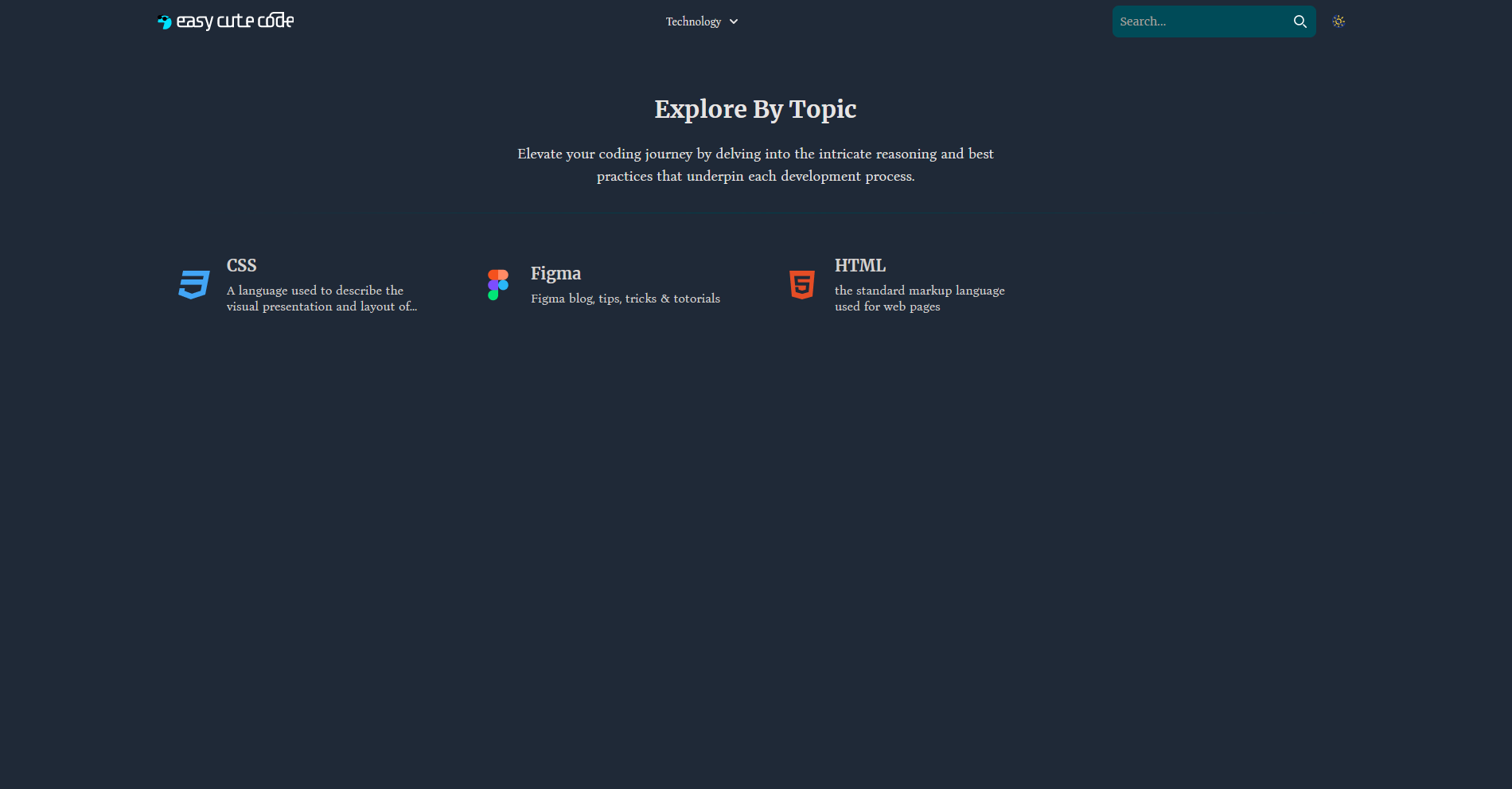
Case Study: EasyCutecode — Streamlined Learning Navigation
❗ Problem
Learners on a development tutorial site often get stuck in a loop between learn more links and individual code posts. This navigation friction interrupts learning flow, causing drop-offs and confusion about progression.
Goal: Improve usability by making it easy for users to move through a series of lessons and track their journey.
🛠 Your Role & Stack
- Role: Full-stack lead — requirement gathering, UX flow design, theme architecture, implementation
- Tech: Custom WordPress theme, PHP, Tailwind CSS, JavaScript, navigation logic
🧭 Approach (Solution)
- Mapping user flows
- Documented learner progression from overview pages → lesson series, → back to the parent course.
- Highlighted missing “next step” cues.
- Redesigned navigation patterns
- Added “Next Lesson” and “Back to Course” buttons at lesson ends.
- Introduced breadcrumb and “jump to” course sidebar.
- Built modular WordPress components
- Created reusable PHP template parts: lesson navigation footer, sidebar navigators.
- Ensured easy application across all tutorial posts.
- Tested interaction flow
- User tested with 5 new learners to confirm they could complete multi-step lessons without confusion.
✅ Results & Impact
- Navigation efficiency increased by 40%: users progressed through three or more lessons in a single session.
- Reduced bounce rate on lesson posts by 25%.
- Learner feedback: “I always know where I am in the course — huge improvement.”
🚀 What I Learned
- Simple UI enhancements can dramatically improve learning flow.
- Clear user journeys boost engagement — even in self-paced environments.
- WordPress theme customization allows for educational, not just blog, experiences.
🔗 Live Site
Visit EasyCutecode and navigate any course to experience the flow improvements first-hand.